
Used VS Release Shortcutter for Windows?
VS Release Shortcutter Analysis
AI Assisted Content ·
Not written by CNET Staff.
VS Release Shortcutter is a free application designed for Windows users, aimed at simplifying the release management process for software developers. This tool allows users to create shortcuts for Visual Studio release configurations, making it easier to manage and deploy projects. With its user-friendly interface, developers can quickly generate release builds without navigating through multiple settings each time.
Top Recommended Alternative
Key features of VS Release Shortcutter include the ability to customize shortcut settings for different projects, support for various Visual Studio versions, and enhanced productivity through streamlined workflows. The application is particularly useful for teams working on multiple projects or those who frequently adjust release configurations. Overall, VS Release Shortcutter provides a practical solution for developers looking to optimize their release processes.
Used VS Release Shortcutter for Windows?
Explore More

FreeBasic
Free
String Editor
Free
STPwiz
Trial version
Shuttle ESB for .NET 4.5
Free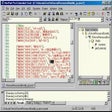
SitePad Pro
Trial version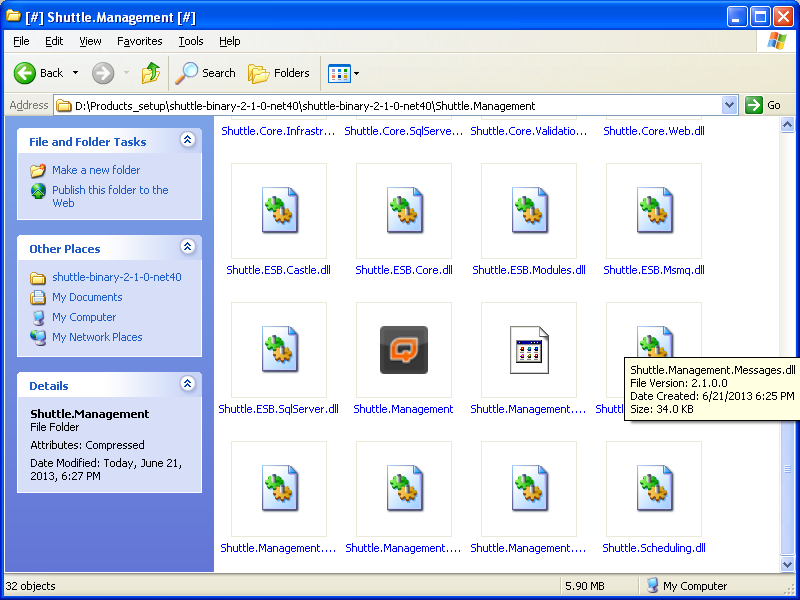
Shuttle ESB for .NET 4.0
FreeAudioXML Mixer.ocx
Trial version
Easy RSS Mixer
Trial version
.NET Framework 1.1 Service Pack 1 for Windows Server 2003
Free
CommitMonitor Portable (64-Bit)
Free
Snippely
Free
JS Packer
Free











