
¿Has usado Axommsoft PDF Restrictions Remover para Windows?
Revisión de los editores
Axommsoft PDF Restrictions Remover es una utilidad de versión de prueba diseñada para Windows, específicamente destinada a eliminar restricciones de archivos PDF. Este software de productividad permite a los usuarios eludir permisos que limitan la edición, impresión y copia de contenido de PDFs. Es particularmente útil para individuos y organizaciones que trabajan frecuentemente con documentos PDF pero encuentran limitaciones debido a configuraciones de seguridad. El programa es sencillo de usar, con una interfaz amigable que guía a los usuarios a través del proceso de desbloqueo de sus archivos PDF.
Alternativa más recomendada

Además, Axommsoft PDF Restrictions Remover admite una variedad de formatos PDF y asegura que el contenido y formato originales permanezcan intactos después de que se eliminan las restricciones. La herramienta es compatible con varias versiones de Windows, lo que la hace accesible a una amplia base de usuarios. Su funcionalidad puede ser esencial para profesionales que necesitan manipular documentos PDF sin enfrentar la traba de restricciones impuestas.
¿Has usado Axommsoft PDF Restrictions Remover para Windows?
Explorar más

bxAutoZip for Outlook
Gratuito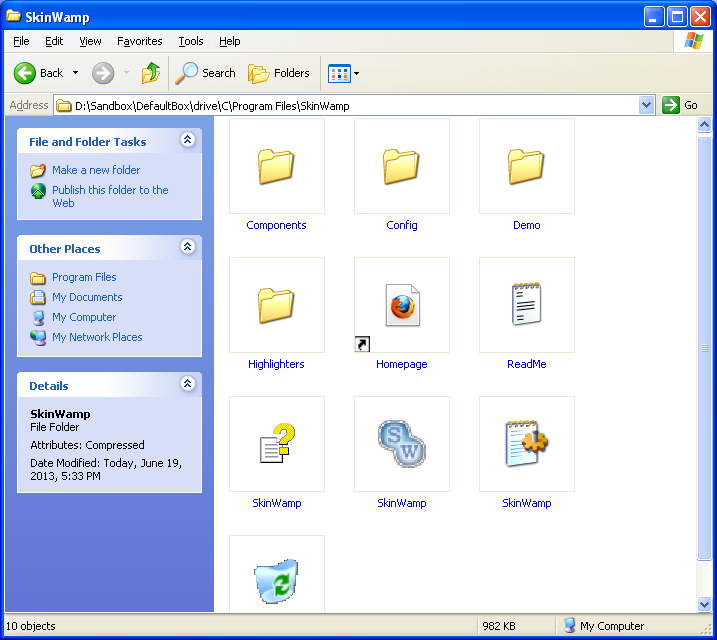
SkinWamp
GratuitoAT Template
Gratuito
Accurate PST Sync
Versión de prueba
Excel Convert Files From English To Swedish and Swedish To English Software
Versión de pruebaTC Projector
Versión de prueba
Amacsoft PDF Image Extractor
Versión de prueba
Abex PowerPoint to Image Converter
Versión de prueba
CZ Document Converter
Versión de prueba
xlPrecision
Versión de prueba
CZ Excel Converter
Versión de prueba
Excel Convert Files From English To Bengali and Bengali To English Software
Versión de prueba











